Merged Chat, Cameras, Overlays & Multistreaming
Use our tools in OBS — or run it all in the free StreamUps Studio app.
No credit card required.
Everything You Need to Go Live
- Works with OBS & any browser source
- Merged live chats in one panel & overlay
- Twitch, Kick, YouTube, TikTok, Rumble & more
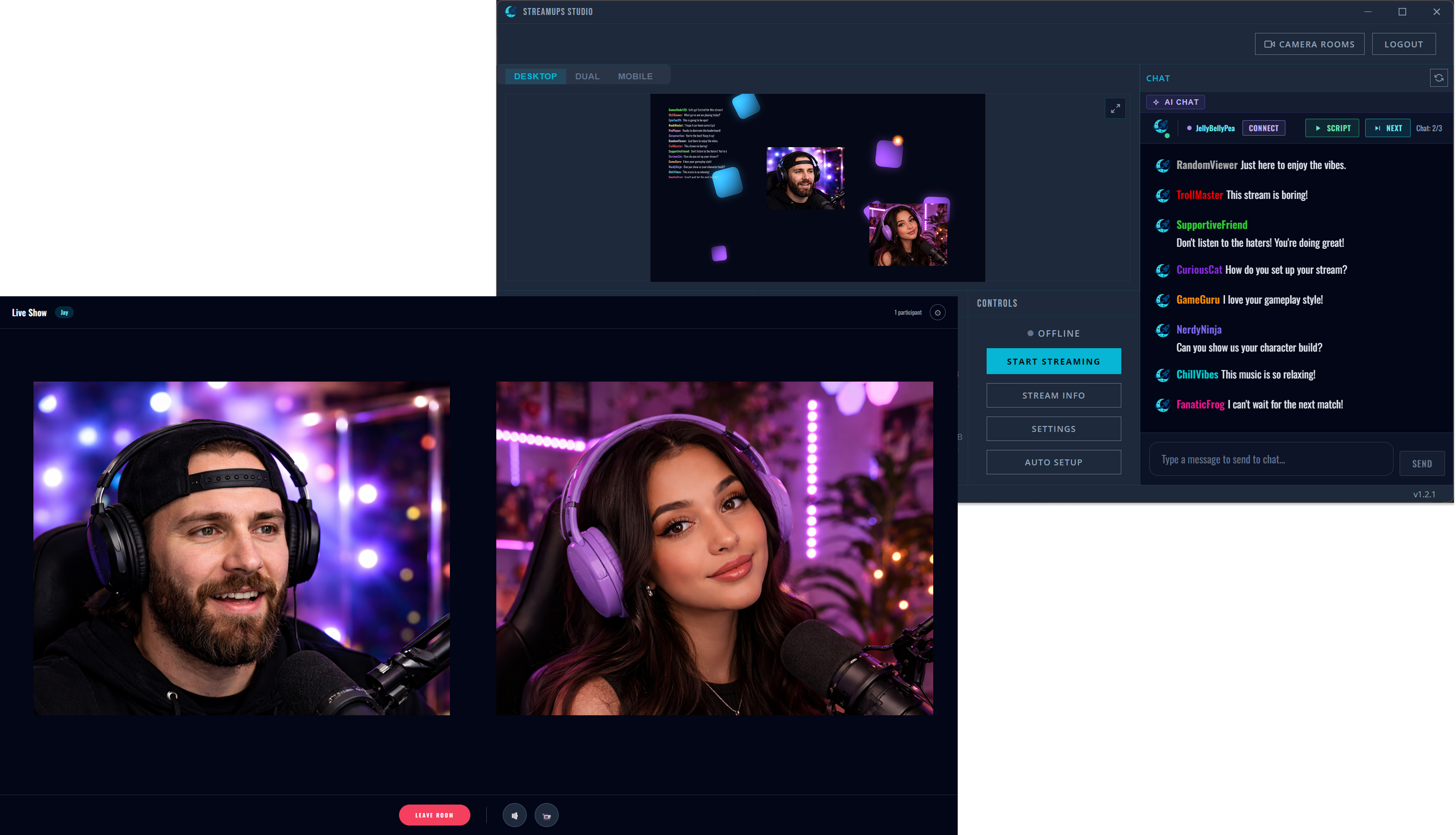
- Multi-cam co-streaming with guests
- Free multistreaming, no watermark
- AI chat companion
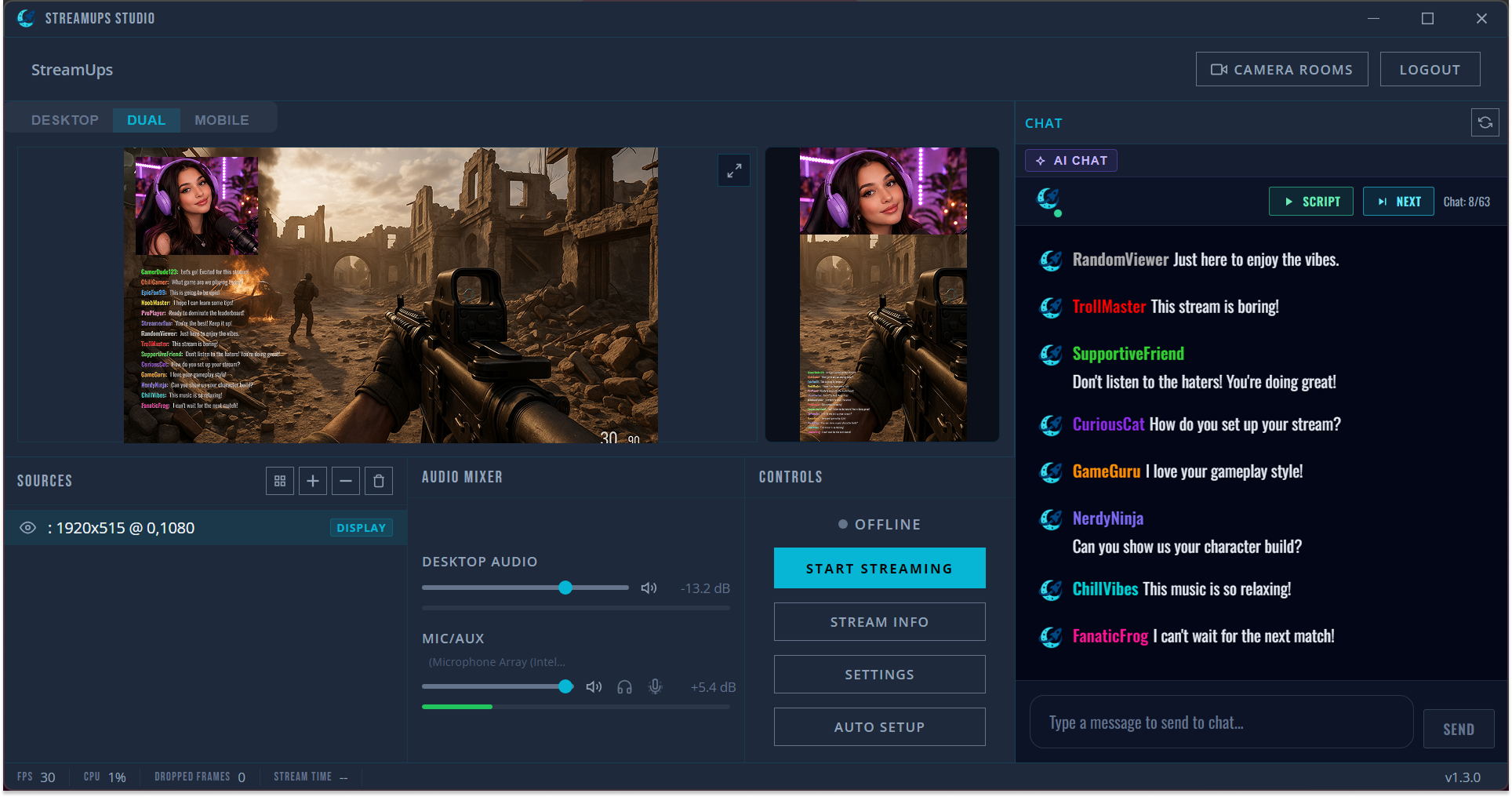
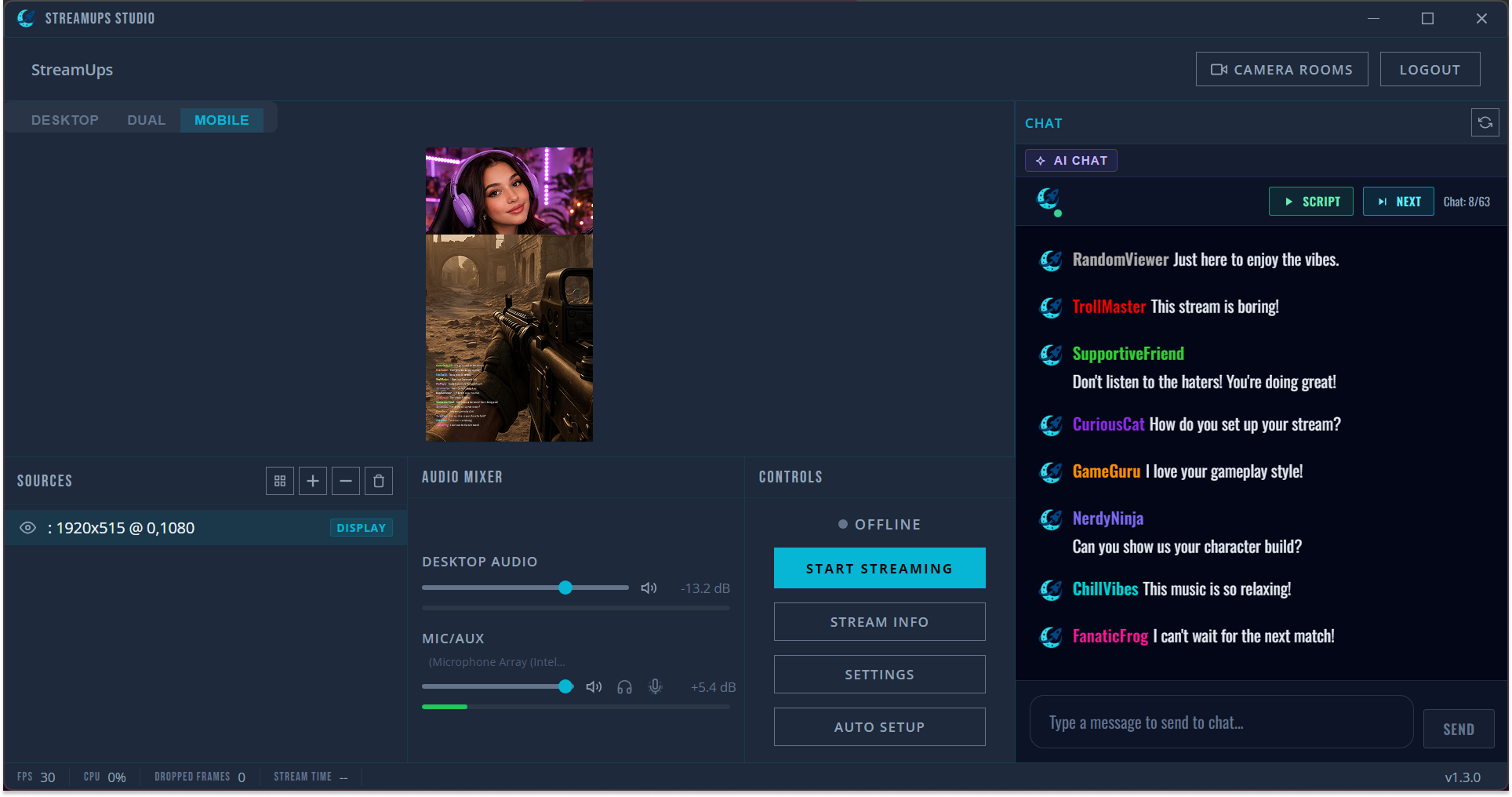
- Desktop & vertical mobile streaming
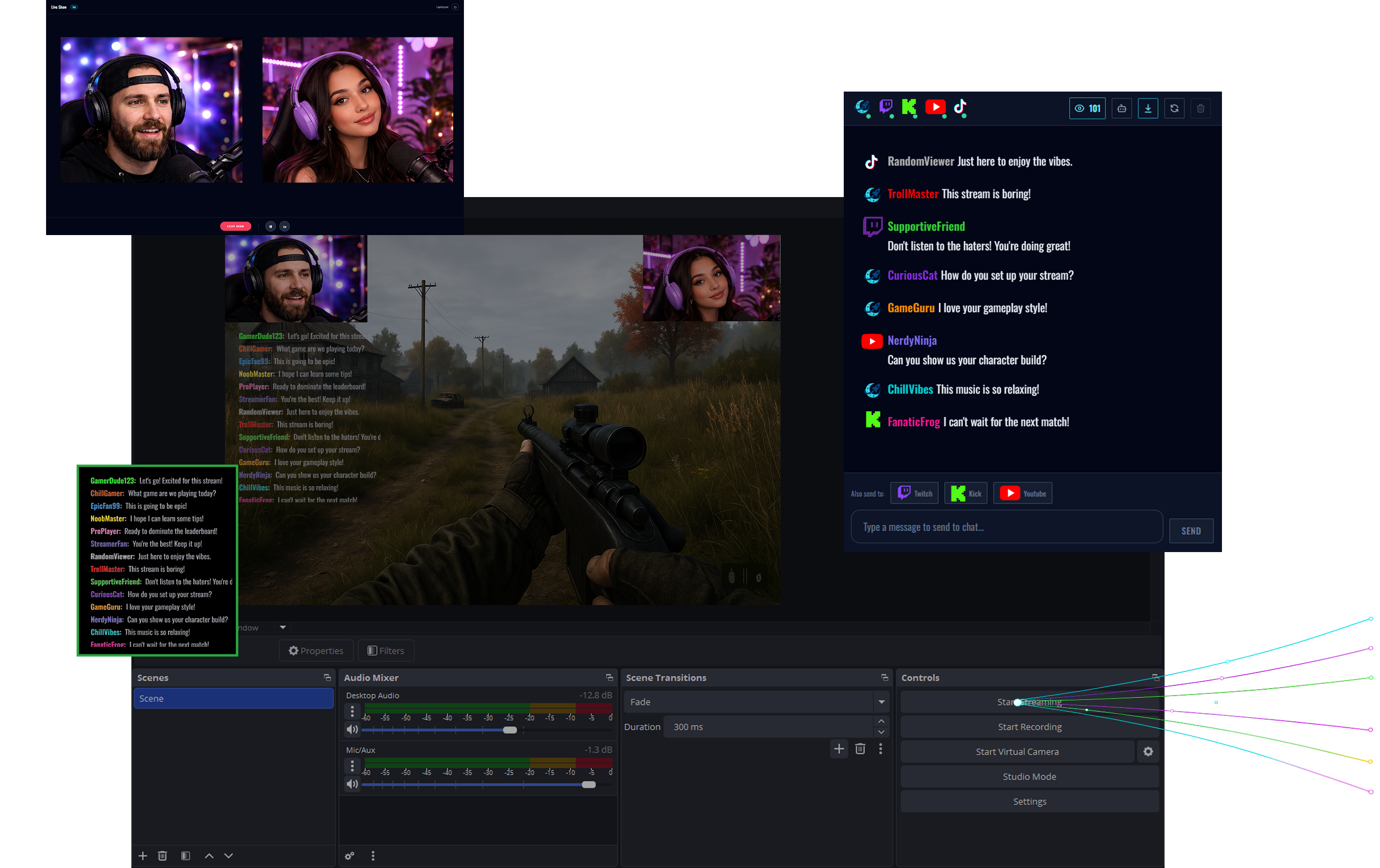
Merged Chat Panel
Read every platform's chat in one panel — Twitch, YouTube, Kick, TikTok and Rumble — and reply to Twitch, YouTube and Kick without leaving OBS. Live viewer counts and activity from every platform, too.
Merge Twitch & Kick chat →Merged Chat Overlay
Show every platform's chat on stream with one browser source URL. Styled, badged, watermark-free.
Merged chat overlay for OBS →Dual Co-Stream Cameras
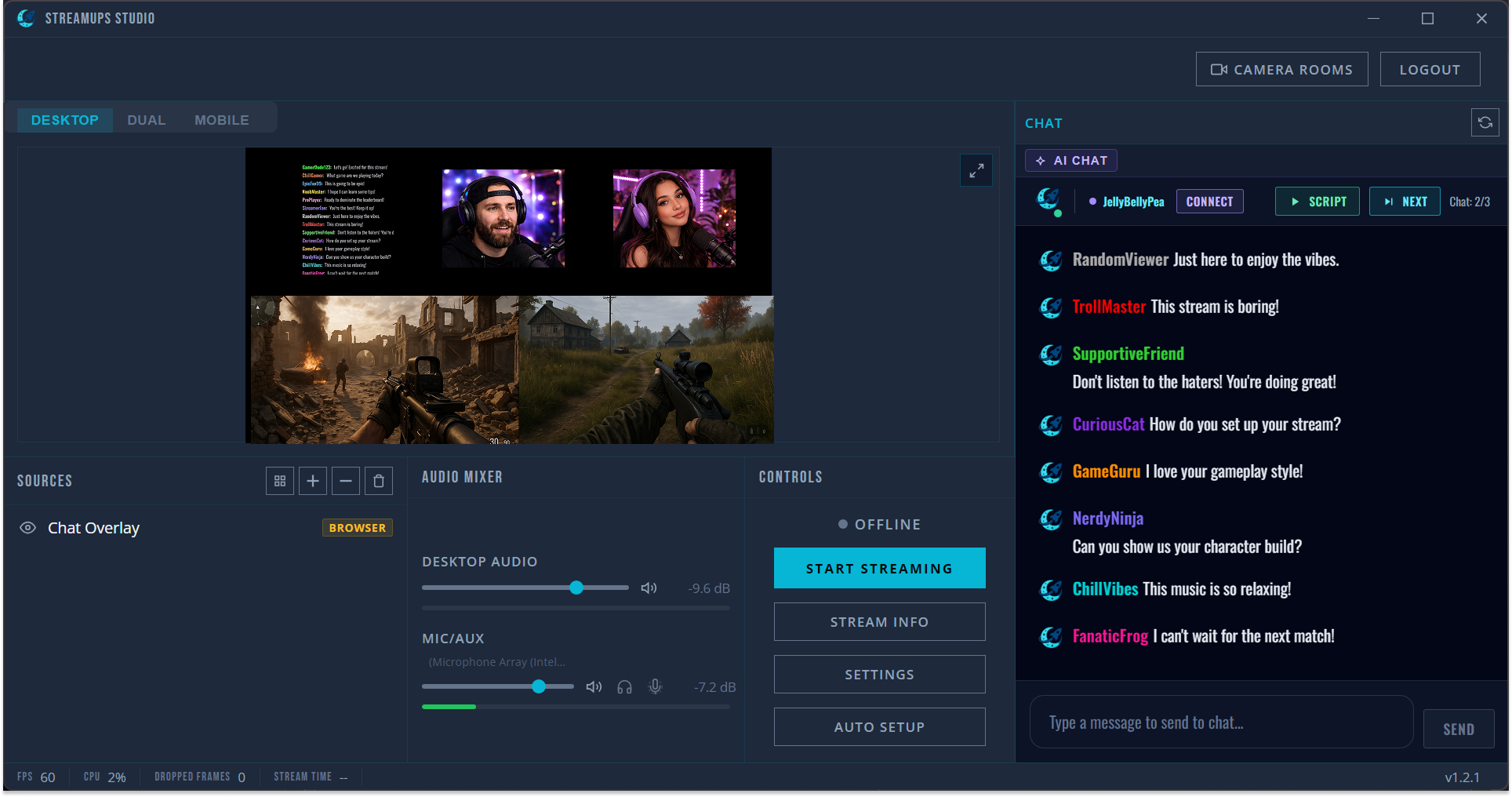
Drop your guest's camera into your scene alongside yours. Two POVs, one overlay, instant switching.
Multi-camera streaming →Multistreaming
Send one RTMP stream from OBS and we restream it to every platform at once. Free, no watermark.
Multistream to Twitch, YouTube & Kick →Prefer Everything in One App?
StreamUps Studio Runs It All — No OBS Needed
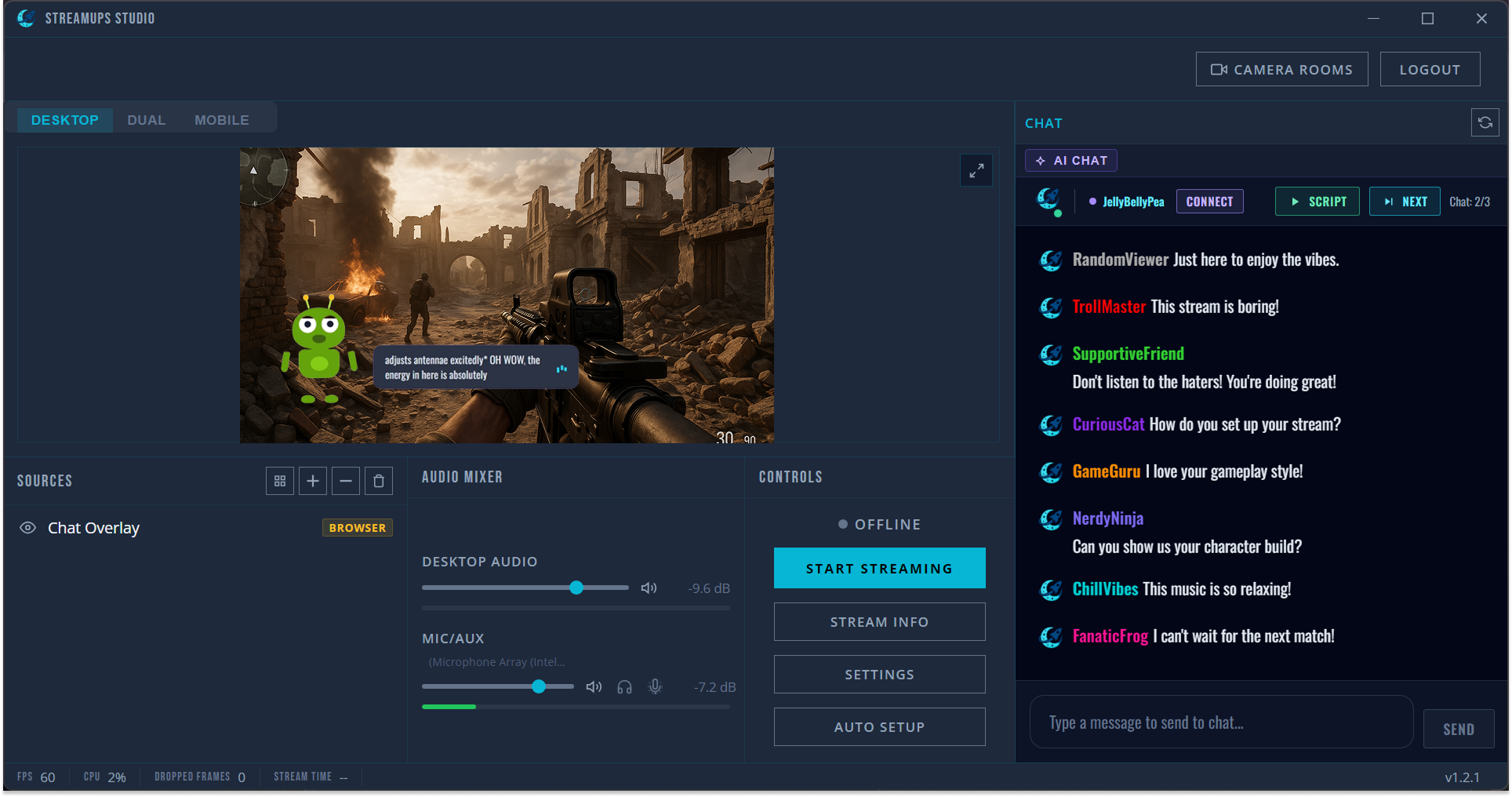
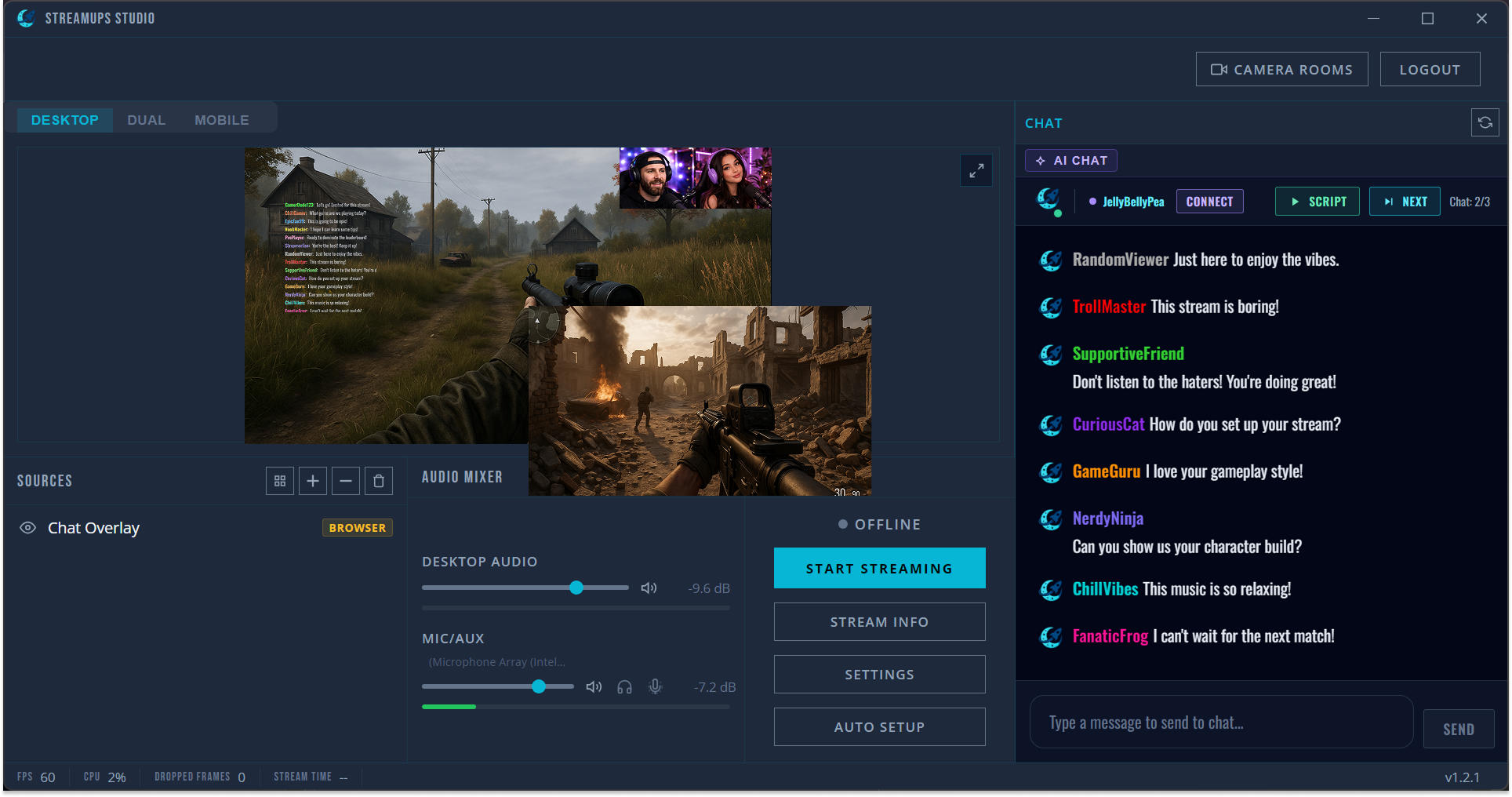
Our free desktop app is the beginner-friendly way to get merged chat, overlays, co-streaming and multistreaming out of the box. Pick your streaming style:
Everything You Need. One App.
StreamUps Studio gives solo streamers a complete toolkit — go live in minutes, not hours.
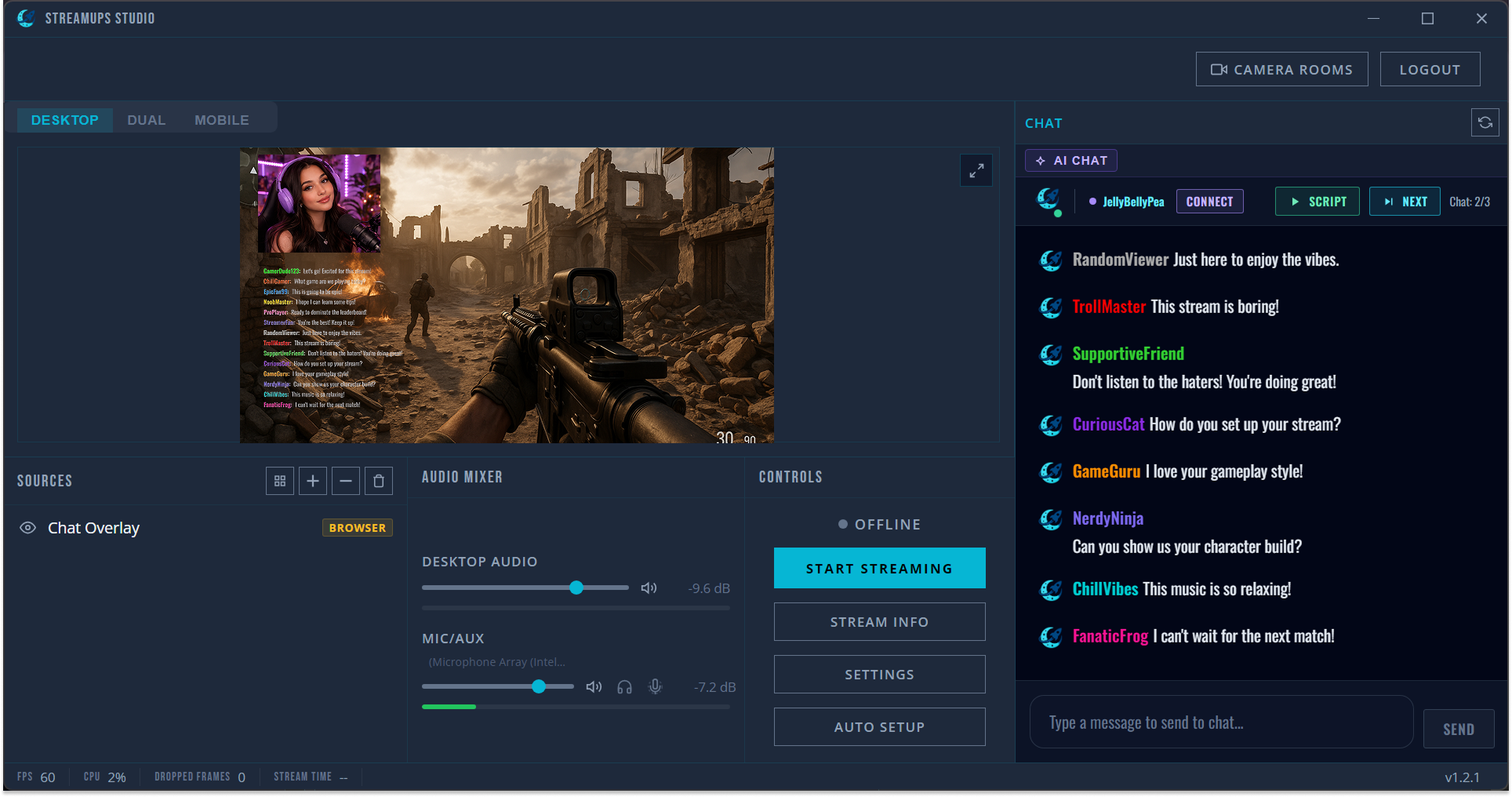
Hit One Button. You're Live.
Studio auto-detects your mic, camera, and GPU, then picks the best encoding settings. No scenes to configure, no sources to drag around.
Every Chat. One Panel. Zero Tab-Switching.
Twitch, Kick, YouTube and more — messages merge into a single feed. Reply from one place — responses route back to the right platform.
One Stream. Every Platform. No Strings.
Go live on multiple platforms simultaneously via cloud relay. Your PC stays cool — we handle the heavy lifting.
Stream without a watermark — for free
Zero quality loss with server-side rebroadcast
Unlimited streaming hours on all plans
Explore the StreamUps Toolkit
Dive into the features behind free AI multistream software — every product page, alternative comparison and free streamer tool, one click away.