Everything You Need to Manage Multistream Chat

From live chat integration to optional AI tools—StreamUps gives you control.

Live Chat Integration

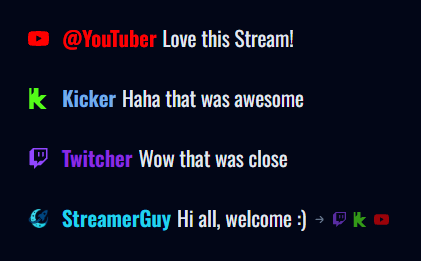
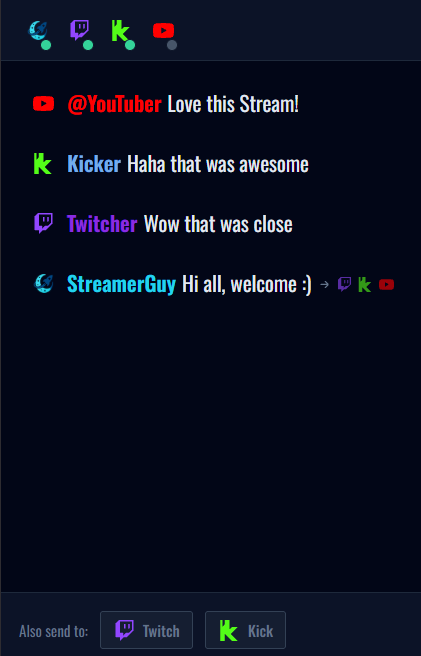
Connect Twitch, Kick, and YouTube chats into a single timeline. Every message, every platform, one panel.

  • Real-time message sync across all connected platforms.
  • Subtle source indicators so you know where each message came from.
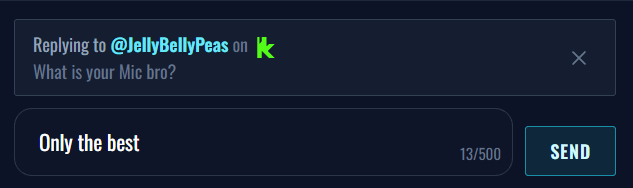
  • Replies route back to the original platform automatically.
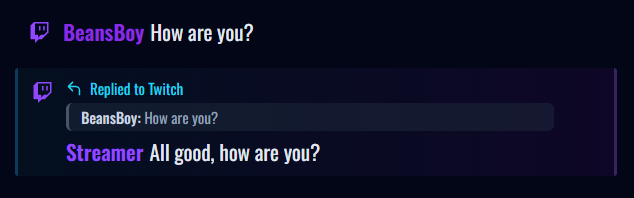
Chat Control Panel

Your command centre for multistream chat. Read, reply, and moderate from one place.

  • See all chat activity at a glance.
  • Quick reply to any viewer, any platform.
  • Moderation tools coming soon.
StreamUps Chat Control Panel

Custom Engagement Chats

Add AI-generated chat messages to fill quiet moments or spark conversation. Completely optional.

  • Create chat personas with custom names and personalities.
  • AI generates contextual messages that blend with real chat.
  • You control when and how often they appear.

AI Chat Assist

Let AI suggest replies based on the conversation. Every suggestion requires your approval before sending.

  • Context-aware reply suggestions.
  • Review and edit before sending.
  • Learn your style over time.

Unified Overlay

One clean chat overlay for your stream. No platform logos, no source indicators—just conversation.

  • Works with OBS, Streamlabs, and any browser source software.
  • Customisable colours, fonts, and sizes.
  • Responsive design that looks good at any scale.

Streamer Discovery

Help viewers find you across platforms. StreamUps connects communities beyond individual sites.

  • Your profile visible to StreamUps users.
  • Cross-platform presence in one place.
  • Grow your community beyond any single platform.

Templates

Pre-built configurations for common streaming scenarios. Get started quickly, then customise.

  • Chat personality templates.
  • Overlay style presets.
  • Quick-start configurations.

See it in action

Get Started Free