Streaming Tutorials & Setup Guides
Step-by-step walkthroughs for setting up StreamUps and your chat bot — merged chats, overlays, OBS docks, and every chat command your viewers ask for.
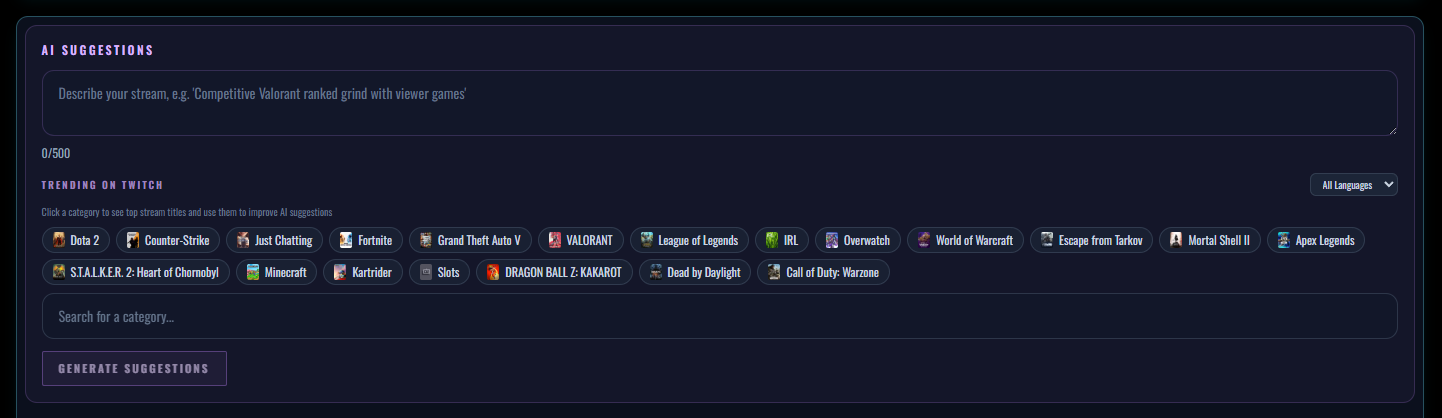
How to Use AI to Update Every Stream Title, Description and Hashtag at Once
Four platforms, four title fields, every stream. Build one preset, let AI draft the copy, and push it everywhere in a single action.
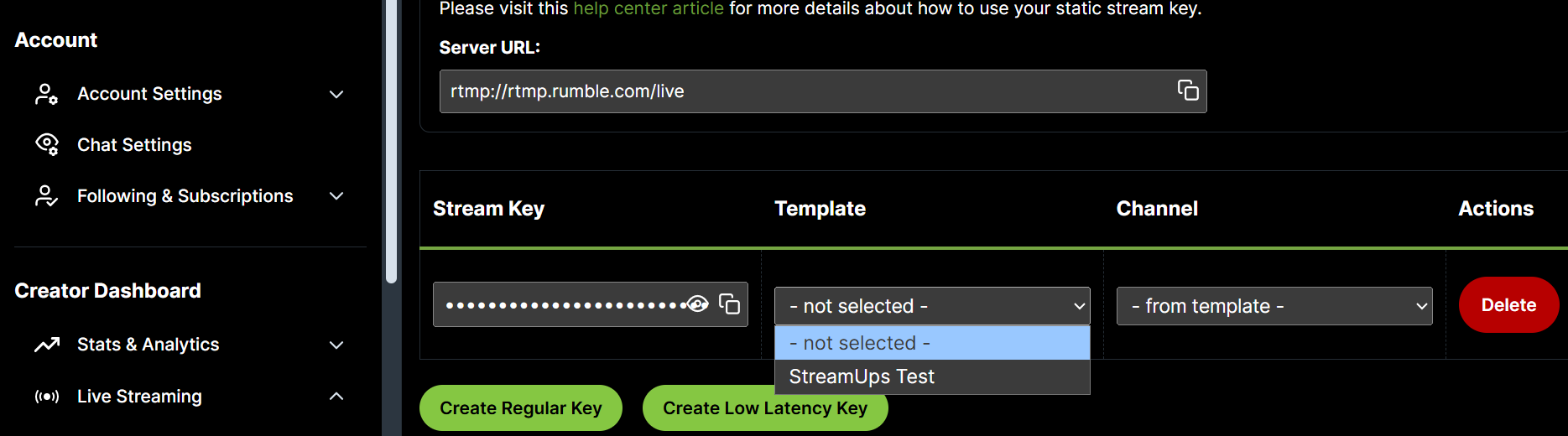
How to Multistream on Rumble, Kick and Twitch
Rumble attaches your stream's metadata to the key instead of accepting it live. The template and static stream key flow, explained properly.
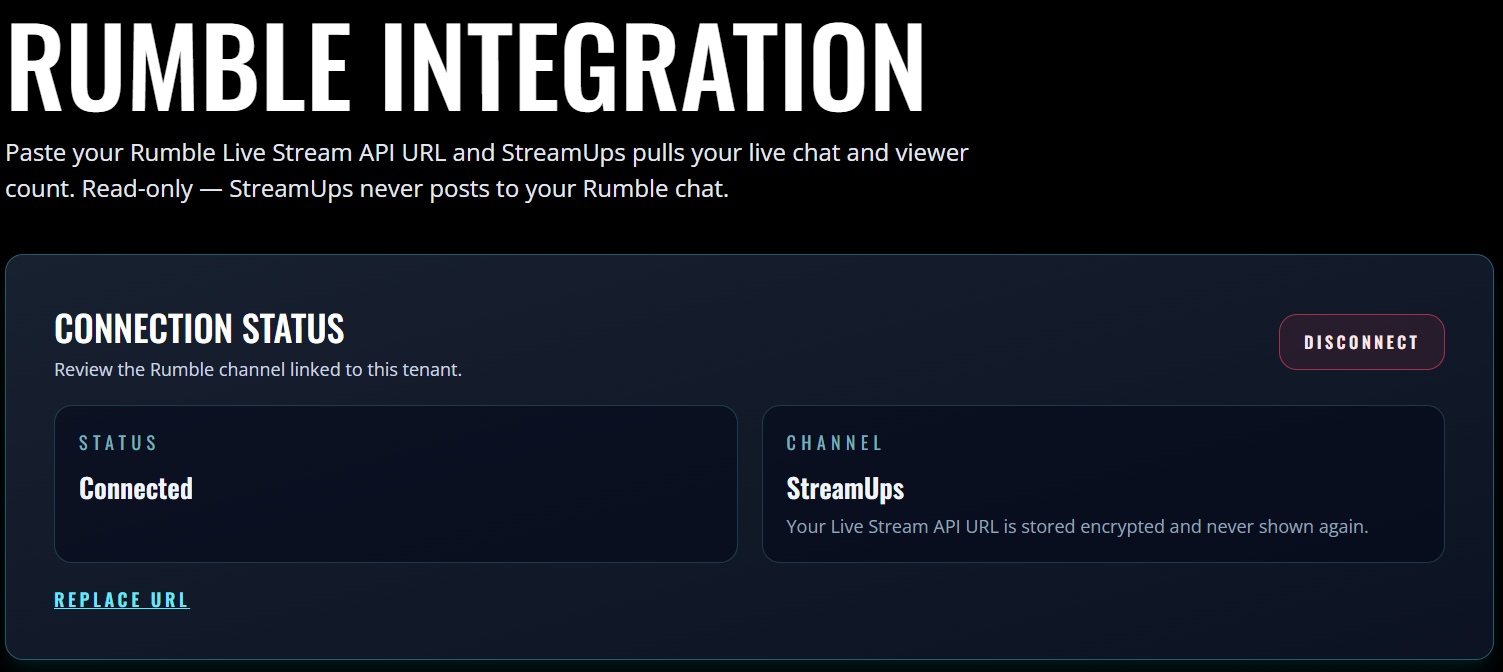
How to Add Rumble Chat to OBS With Your Live Streaming API
Rumble hides the setting that lets outside tools read your chat. Here is where it lives, and how Rumble messages end up in your merged overlay.
How to Make Custom Commands on Twitch
Create custom !commands step by step in StreamUps, Nightbot, StreamElements and Moobot — plus how the same commands work on Kick and YouTube Live.
Nightbot Commands: The Complete Setup Guide
Every Nightbot default command, how to build custom !commands from chat or the dashboard, the full variables list, timers, cooldowns — and the Kick gap.
StreamElements Commands: The Complete Setup Guide
Default commands, the loyalty economy behind half of them, custom command setup and the full ${variables} list — plus where StreamElements stops.
Twitch Mod Commands: Every Native Slash Command
The full reference for Twitch's built-in /slash commands — bans, timeouts, warnings, chat modes and raids — with syntax and a permissions table.
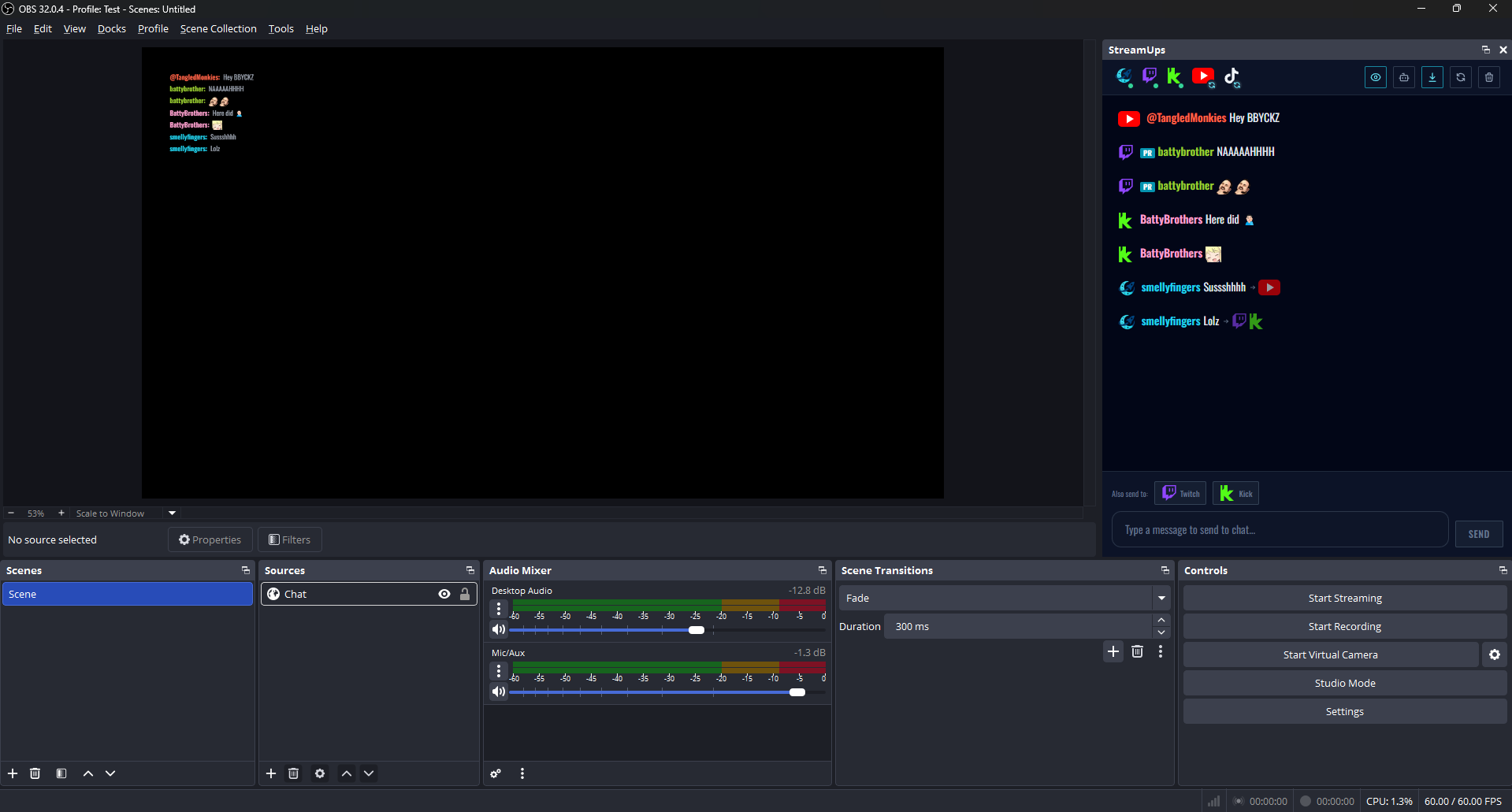
How to Merge Twitch, YouTube, Kick and TikTok Chat
Use the auto setup wizard to merge every platform's chat into one OBS admin panel and a single on-stream overlay — every click covered with screenshots.